
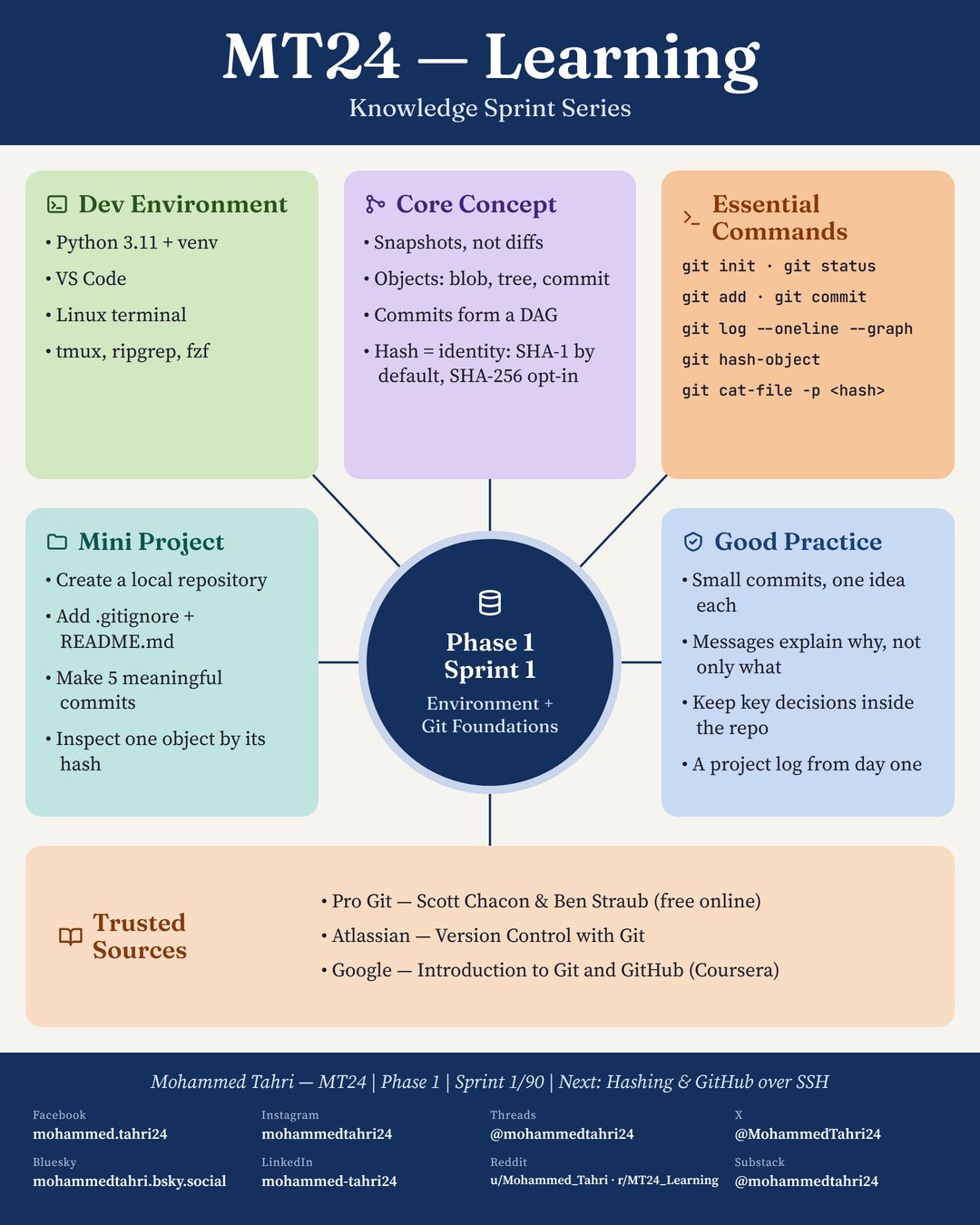
Dev Environment
- Python 3.11 + venv
- VS Code
- Linux terminal
- tmux, ripgrep, fzf
Core Concept
- Snapshots, not diffs
- Objects: blob, tree, commit
- Commits form a DAG
- Hash = identity: SHA-1 by default, SHA-256 opt-in
Essential Commands
sprint01_environment_git_foundations.sh
#!/bin/sh
# Sprint 1 · the Essential Commands printed on the image, in order.
# Run: sh sprint01_environment_git_foundations.sh  (it works in a new folder, sprint01-run/)
set -e                          # not on the image: stop at the first error
mkdir sprint01-run                                             # setup (not on the image)
cd sprint01-run                                                # setup (not on the image)
export GIT_AUTHOR_NAME=me GIT_AUTHOR_EMAIL=me@example.com       # setup (not on the image)
export GIT_COMMITTER_NAME=me GIT_COMMITTER_EMAIL=me@example.com # setup (not on the image)
echo "# notes" > notes.md                                       # setup (not on the image)
git init
git status
git add notes.md                # the file name is not on the image
git commit -m "Add notes"       # the message is not on the image
git log --oneline --graph
h=$(git hash-object notes.md)   # not on the image: the file name and the variable h
git cat-file -p "$h"            # "$h" stands for <hash> on the image
Run it. sprint01_environment_git_foundations.sh · versions, data and steps
Mini Project
- Create a local repository
- Add .gitignore + README.md
- Make 5 meaningful commits
- Inspect one object by its hash
Good Practice
- Small commits, one idea each
- Messages explain why, not only what
- Keep key decisions inside the repo
- A project log from day one