
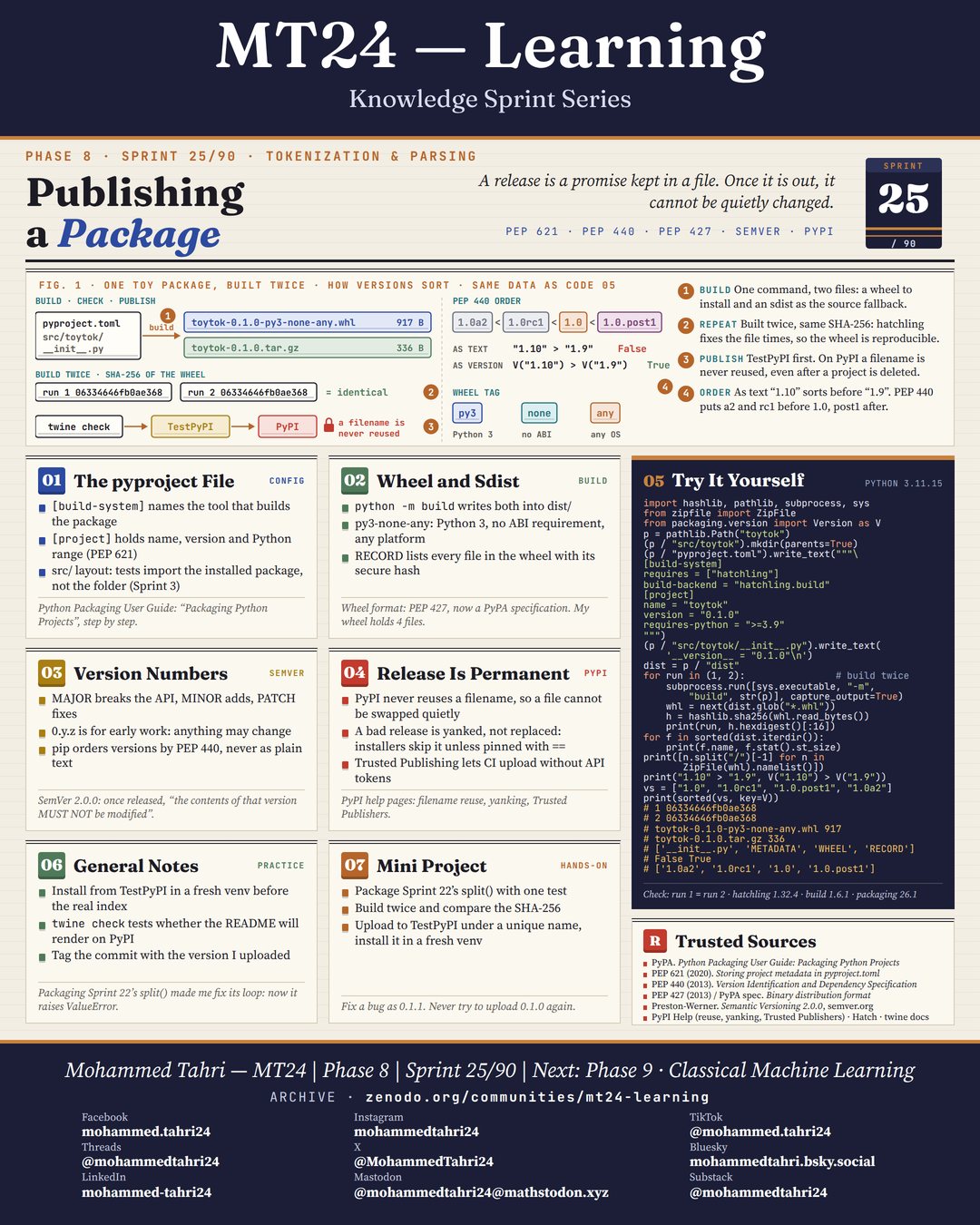
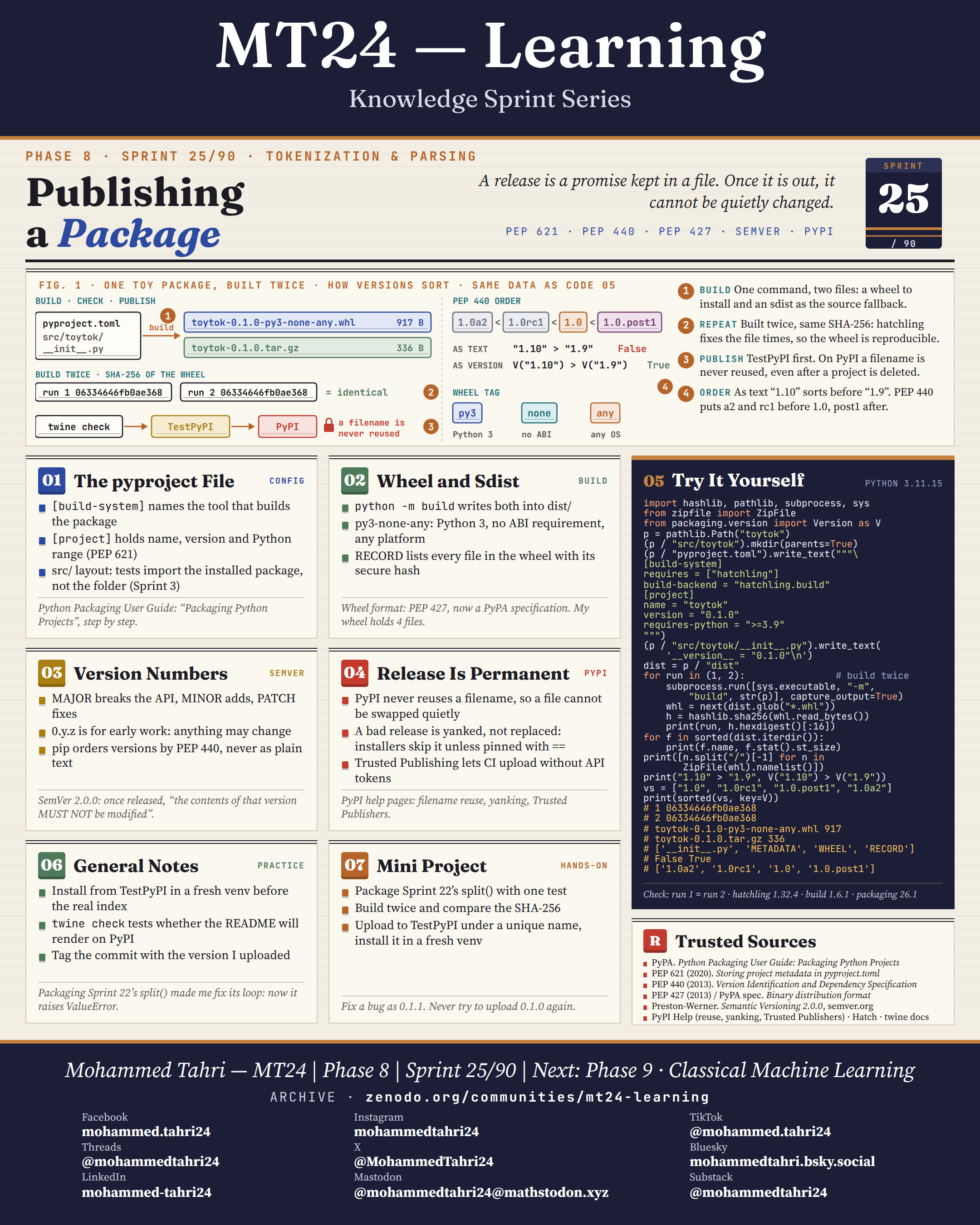
Fig. 1 in words
One toy package, built twice · how versions sort · same data as code 05
1 Build · check · publish
- pyproject.toml · src/toytok/__init__.py
- build → toytok-0.1.0-py3-none-any.whl 917 B · toytok-0.1.0.tar.gz 336 B
- twine check → TestPyPI → PyPI · a filename is never reused
2 Build twice · SHA-256 of the wheel
- run 1 06334646fb0ae368 · run 2 06334646fb0ae368 = identical
3 PEP 440 order
- 1.0a2 < 1.0rc1 < 1.0 < 1.0.post1
- as text: "1.10" > "1.9" False
- as version: V("1.10") > V("1.9") True
4 Wheel tag
- py3: Python 3 · none: no ABI · any: any OS
01 The pyproject File Config
- [build-system] names the tool that builds the package
- [project] holds name, version and Python range (PEP 621)
- src/ layout: tests import the installed package, not the folder (Sprint 3)
Python Packaging User Guide: “Packaging Python Projects”, step by step.
02 Wheel and Sdist Build
- python -m build writes both into dist/
- py3-none-any: Python 3, no ABI requirement, any platform
- RECORD lists every file in the wheel with its secure hash
Wheel format: PEP 427, now a PyPA specification. My wheel holds 4 files.
03 Version Numbers SemVer
- MAJOR breaks the API, MINOR adds, PATCH fixes
- 0.y.z is for early work: anything may change
- pip orders versions by PEP 440, never as plain text
SemVer 2.0.0: once released, “the contents of that version MUST NOT be modified”.
04 Release Is Permanent PyPI
- PyPI never reuses a filename, so a file cannot be swapped quietly
- A bad release is yanked, not replaced: installers skip it unless pinned with ==
- Trusted Publishing lets CI upload without API tokens
PyPI help pages: filename reuse, yanking, Trusted Publishers.
05 Try It Yourself PYTHON 3.11.15
sprint25_publishing_a_package.py
import hashlib, pathlib, subprocess, sys
from zipfile import ZipFile
from packaging.version import Version as V
p = pathlib.Path("toytok")
(p / "src/toytok").mkdir(parents=True)
(p / "pyproject.toml").write_text("""\
[build-system]
requires = ["hatchling"]
build-backend = "hatchling.build"
[project]
name = "toytok"
version = "0.1.0"
requires-python = ">=3.9"
""")
(p / "src/toytok/__init__.py").write_text(
    '__version__ = "0.1.0"\n')
dist = p / "dist"
for run in (1, 2):                # build twice
    subprocess.run([sys.executable, "-m",
        "build", str(p)], capture_output=True)
    whl = next(dist.glob("*.whl"))
    h = hashlib.sha256(whl.read_bytes())
    print(run, h.hexdigest()[:16])
for f in sorted(dist.iterdir()):
    print(f.name, f.stat().st_size)
print([n.split("/")[-1] for n in
       ZipFile(whl).namelist()])
print("1.10" > "1.9", V("1.10") > V("1.9"))
vs = ["1.0", "1.0rc1", "1.0.post1", "1.0a2"]
print(sorted(vs, key=V))
Output, as printed on the image
1 06334646fb0ae368
2 06334646fb0ae368
toytok-0.1.0-py3-none-any.whl 917
toytok-0.1.0.tar.gz 336
['__init__.py', 'METADATA', 'WHEEL', 'RECORD']
False True
['1.0a2', '1.0rc1', '1.0', '1.0.post1']
Run it. sprint25_publishing_a_package.py · versions, data and steps
Check: run 1 = run 2 · hatchling 1.32.4 · build 1.6.1 · packaging 26.1
06 General Notes Practice
- Install from TestPyPI in a fresh venv before the real index
- twine check tests whether the README will render on PyPI
- Tag the commit with the version I uploaded
Packaging Sprint 22’s split() made me fix its loop: now it raises ValueError.
07 Mini Project Hands-on
- Package Sprint 22’s split() with one test
- Build twice and compare the SHA-256
- Upload to TestPyPI under a unique name, install it in a fresh venv
Fix a bug as 0.1.1. Never try to upload 0.1.0 again.
R Trusted Sources
- PyPA. Python Packaging User Guide: Packaging Python Projects
- PEP 621 (2020). Storing project metadata in pyproject.toml
- PEP 440 (2013). Version Identification and Dependency Specification
- PEP 427 (2013) / PyPA spec. Binary distribution format
- Preston-Werner. Semantic Versioning 2.0.0, semver.org
- PyPI Help (reuse, yanking, Trusted Publishers) · Hatch · twine docs